
US Laws Compliance
Data Rectification
If your account data is inaccurate, update or correct it using the link below.
Data Portability
You can use the links below to download all the data we store and use for a better experience in our store.
Access to Personal Data
You can use the link below to request a report which will contain all personal information that we store for you. We will respond within 45 days.
Do not Sell or Share My Personal Information
You can submit a request to let us know that you do not agree for your personal information to be collected or sold.
Right to be Forgotten
Use this option if you want to remove your personal and other data from our store. Keep in mind that this process will delete your account, so you will no longer be able to access or use it anymore.
Authorized Agent
You can authorize an agent to submit privacy requests on your behalf. Your agent must provide signed authorization from you, and we will verify your identity directly. This page covers the laws in the following states: California (CCPA-CPRA), Virginia (VCDPA), Colorado (CPA), Connecticut (CTDPA), Utah (UCPA), Florida (FDBR), Oregon (OCPA), Texas (TDPSA), Montana (MCDPA), Tennessee (TIPA), Minnesota (MNCDPA), Maryland (MODPA), Indiana (ICDPA), Kentucky (KCDPA), Rhode Island (RIDTPPA).
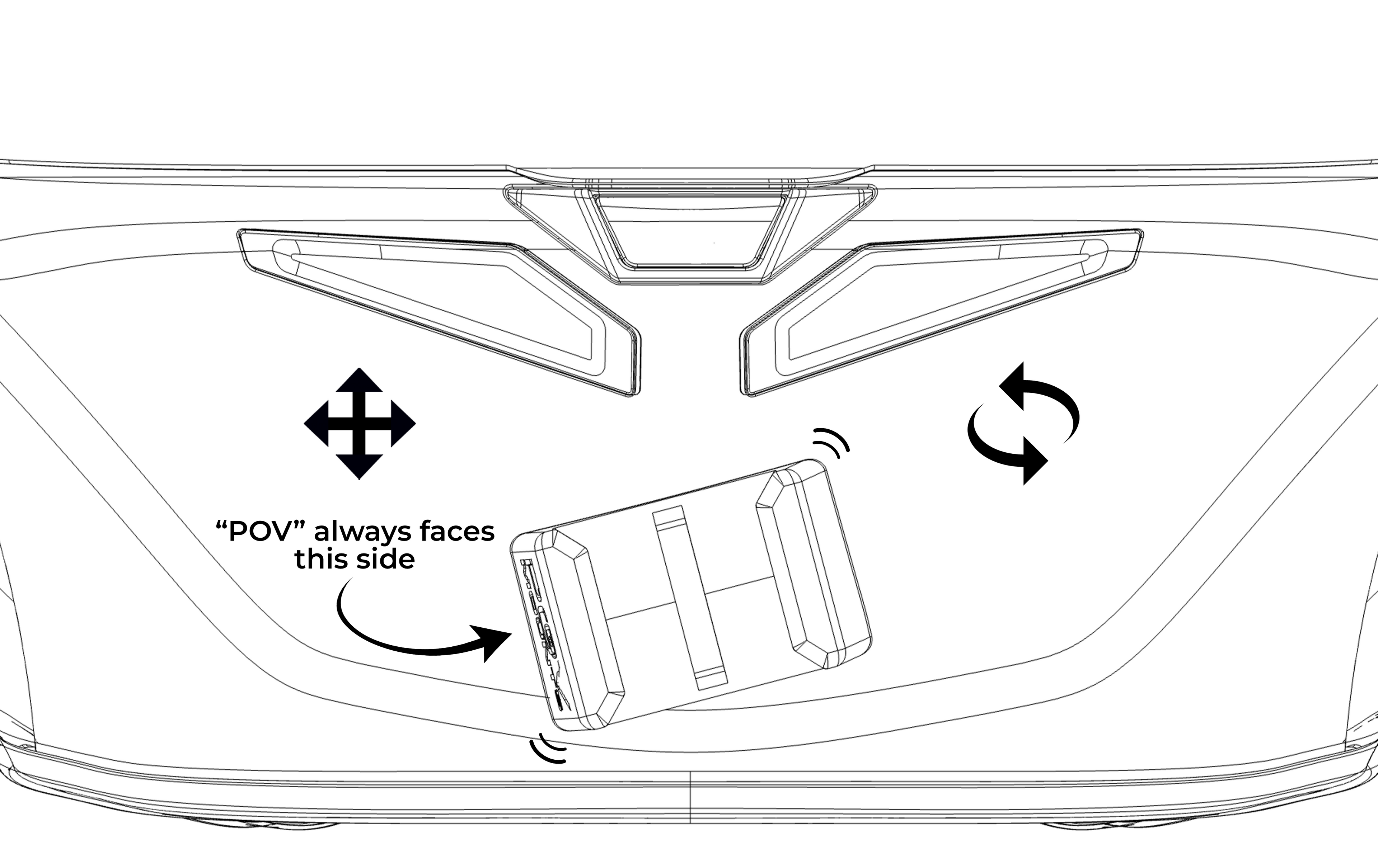
Step 1
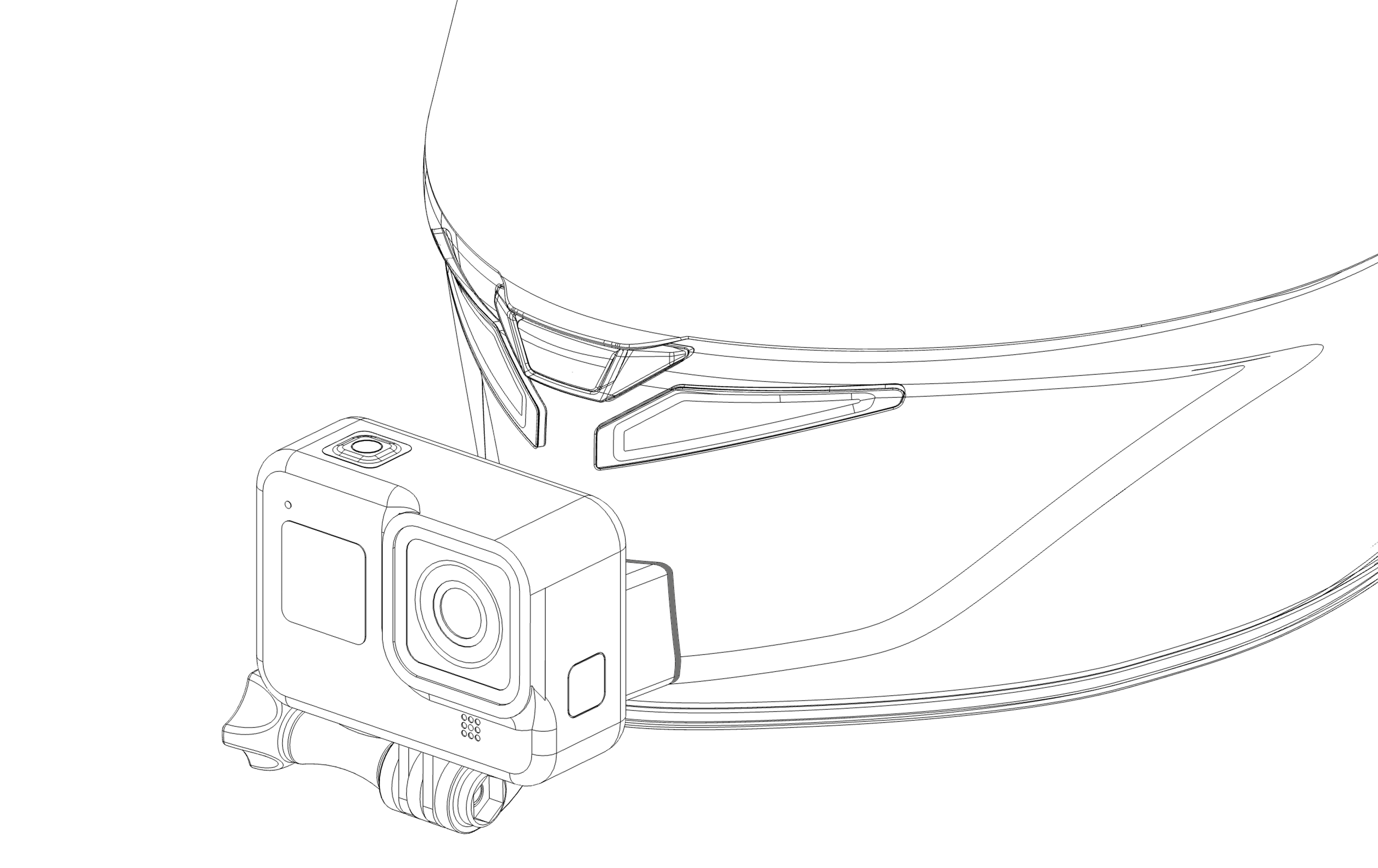
⚠️ Different sizes of the same helmet may result in some variations in position compared to the photos.
✅ Make sure that the chosen position allows the perfect adaptation of the 3M™ VHB™ adhesive.
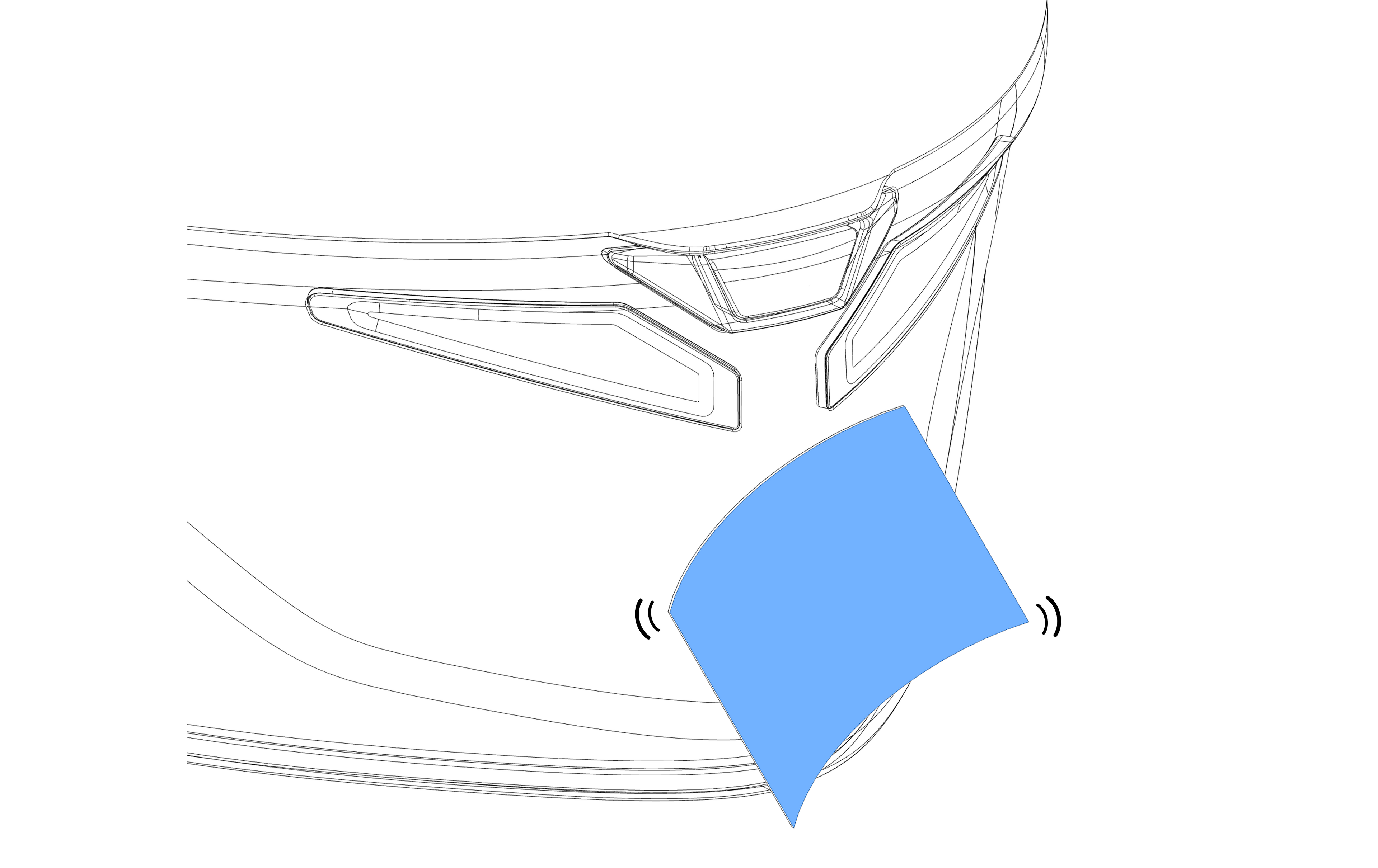
Step 2
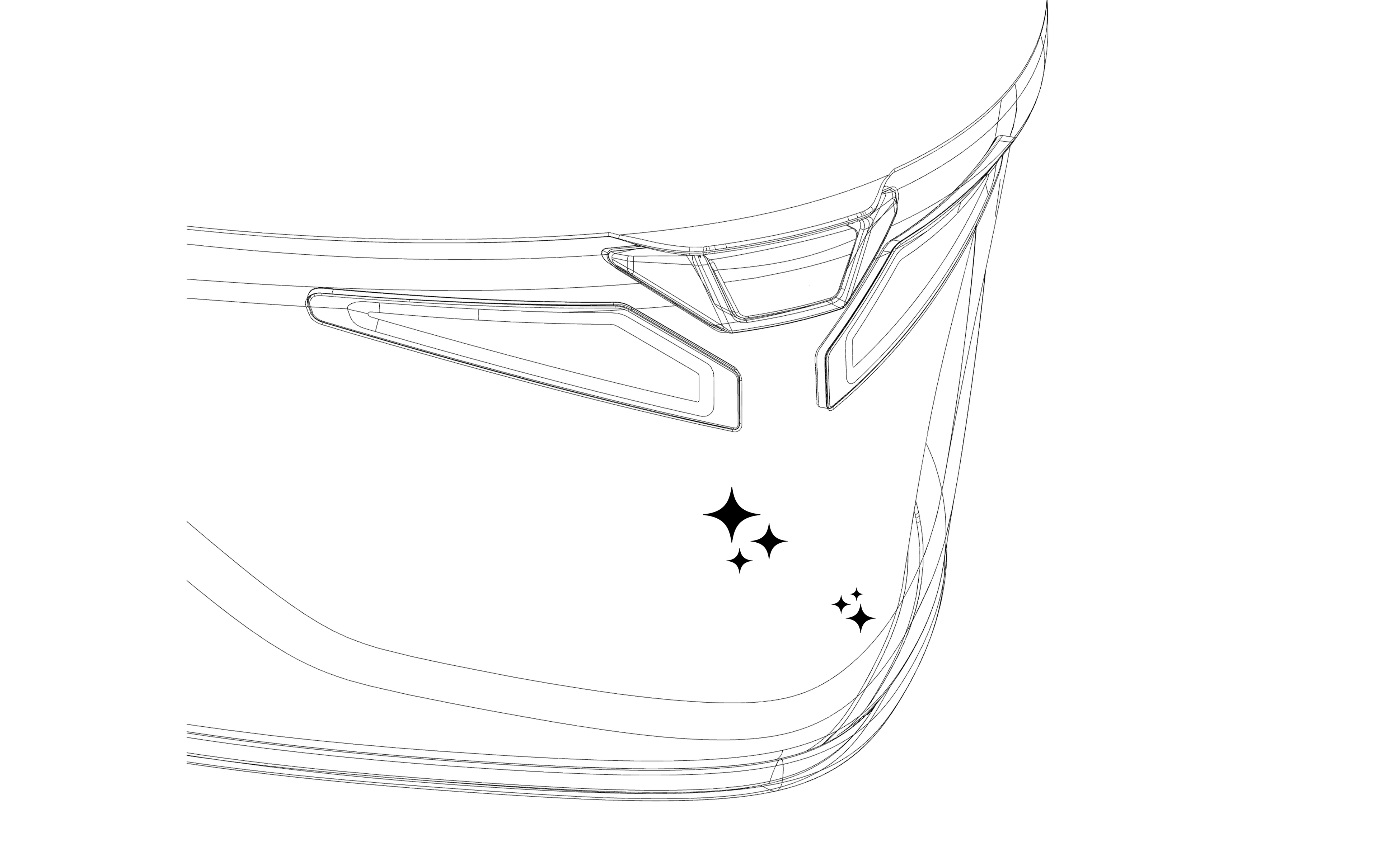
⚠️ Dirt residues could compromise the adhesion of the mount to the helmet.
✅ Make sure to remove all traces of dirt.
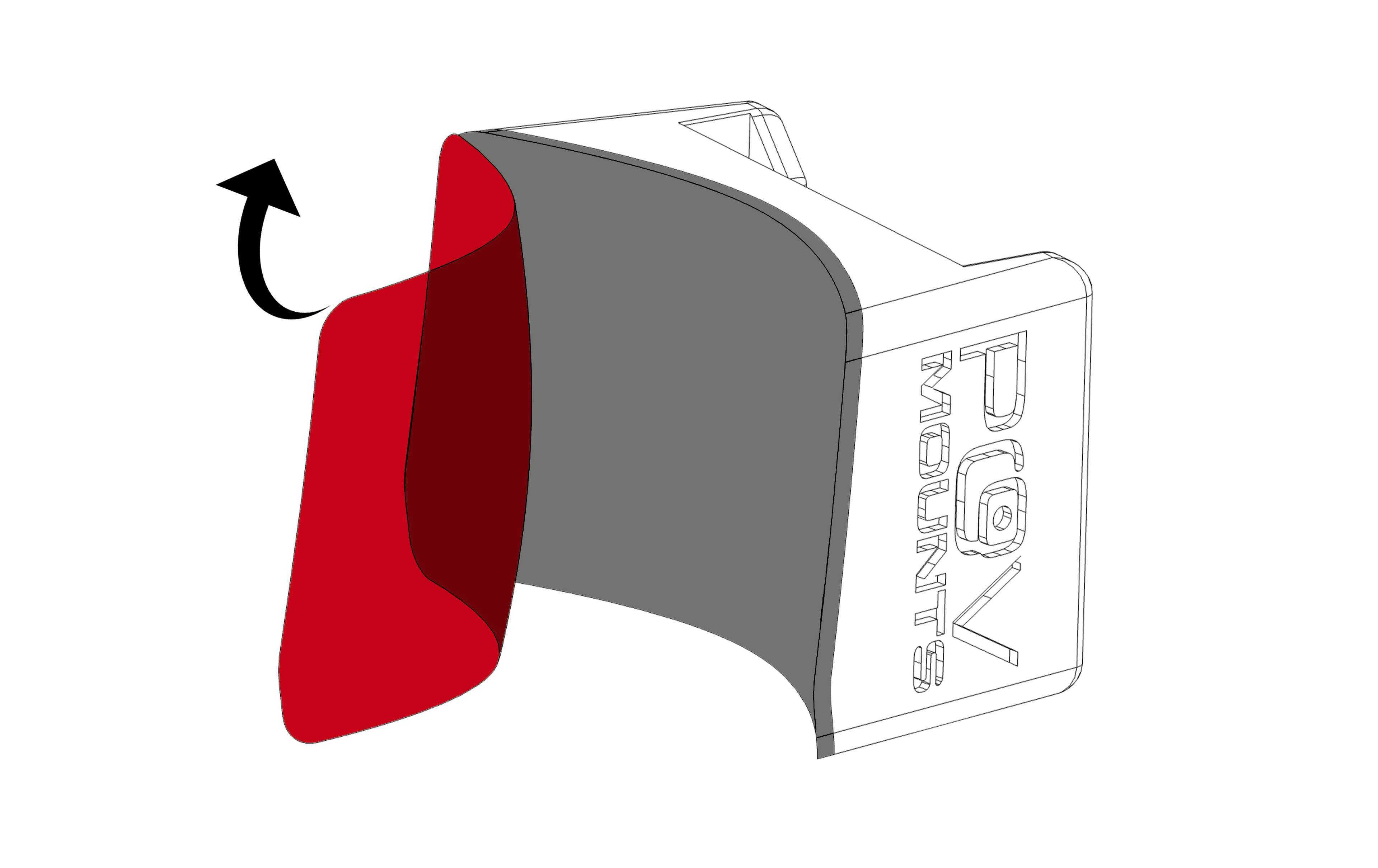
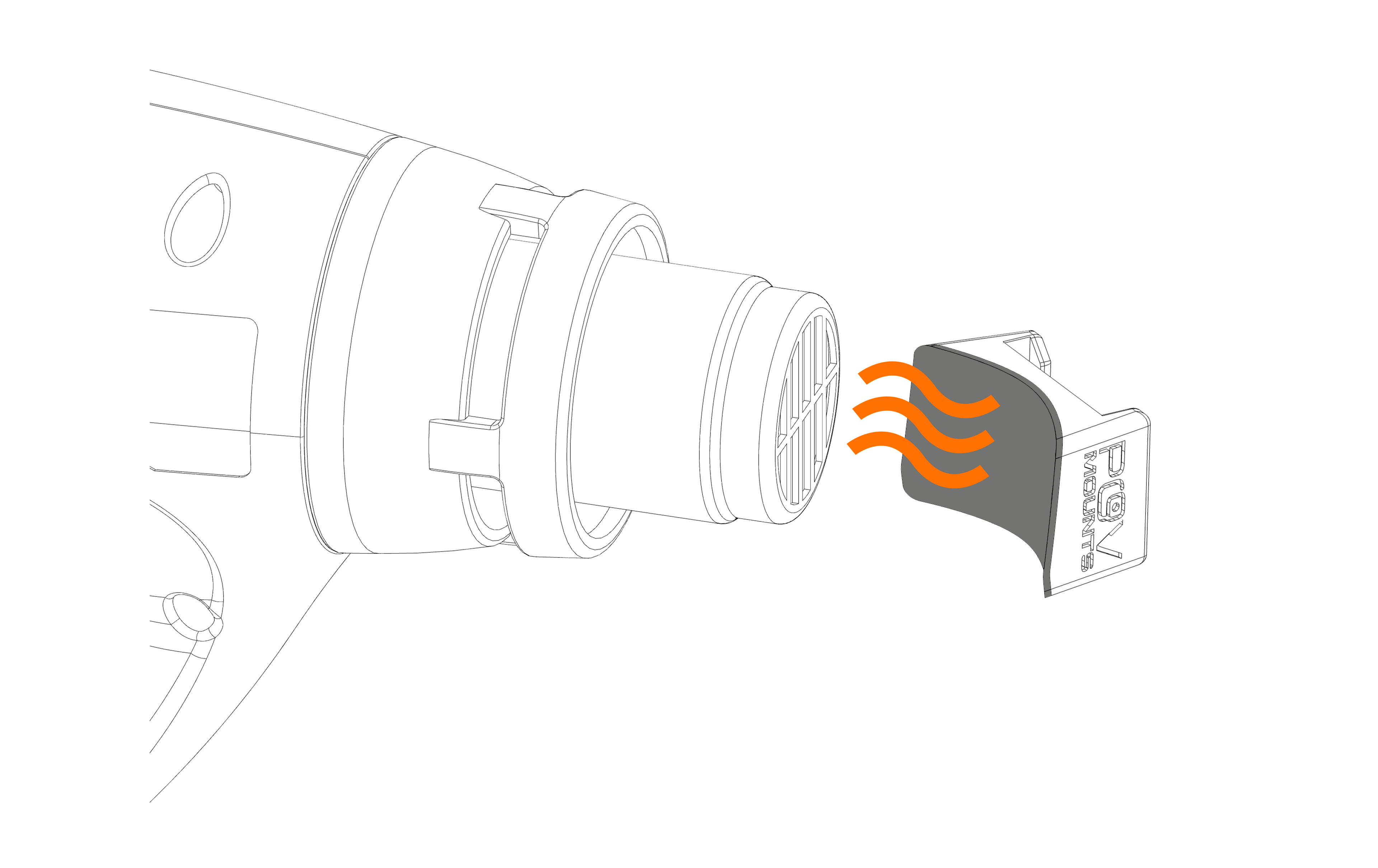
Step 3
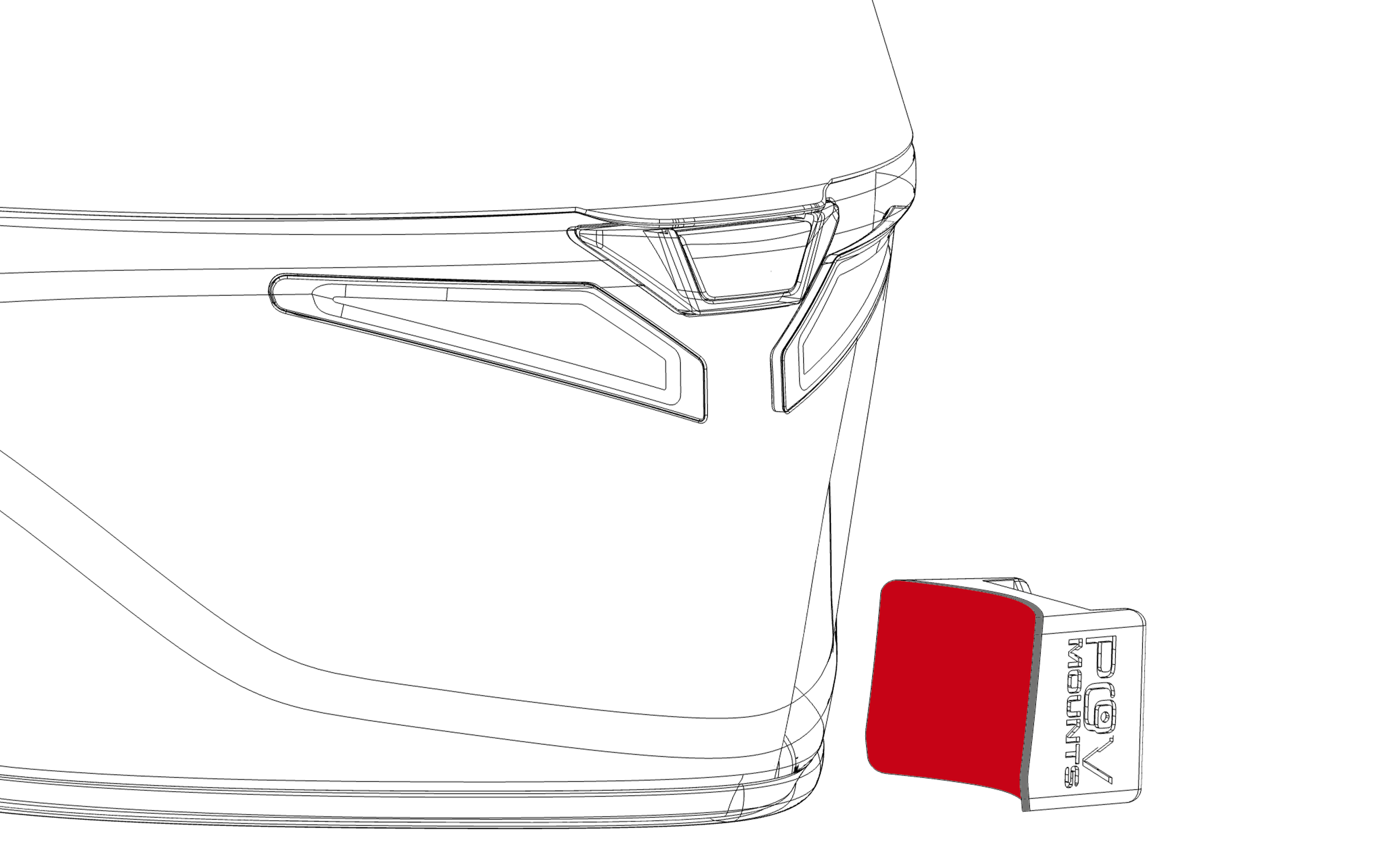
⚠️ Applying the adhesive while cold does not guarantee its perfect adaptation to the surface of the helmet.
✅ Heat the adhesive's surface moderately to soften it, obtaining an optimal fit with the chin guard of the helmet.
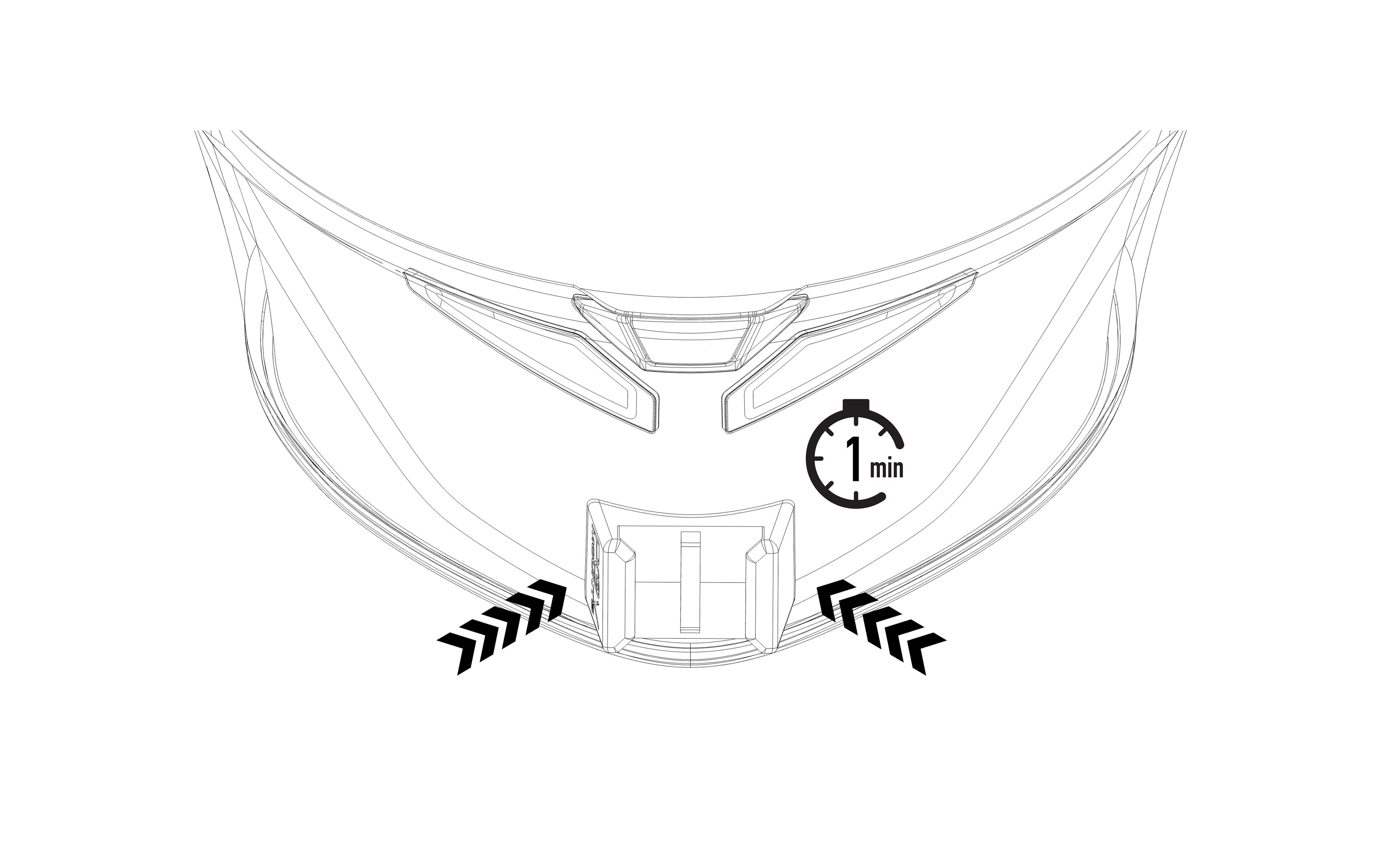
Step 4
⚠️ Once pressure has been applied, it will no longer be possible to reposition the mount.
✅ Place the mount lightly and, once satisfied with the position, apply pressure for 1 minute.
Step 5
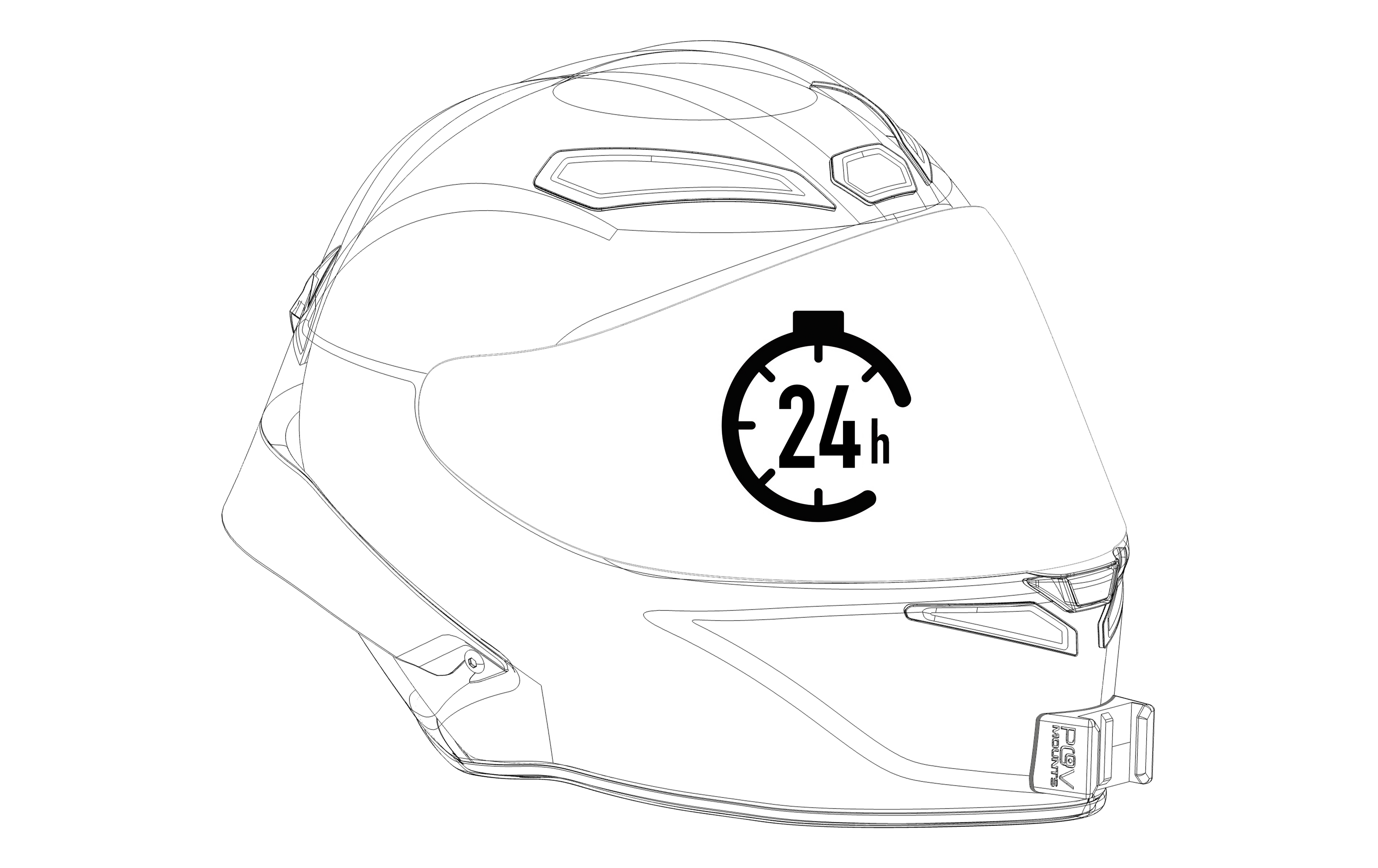
⚠️ Using the mount before the 24hrs period could compromise its adhesion to the helmet.
✅ Allow the adhesive to complete its setting time. You can regularly use your helmet during the 24 hour period without attaching your action camera.